1. Why Speechify Costs Money (And Why You Might Not Need to Pay)
Speechify typically charges a monthly subscription because they've built an ecosystem with premium voice licensing, mobile apps, and cloud infrastructure.
But here's the thing — for most use cases, that infrastructure is overkill. Most users just need basic text-to-speech functionality. They want to listen to articles, PDFs, or web pages during commutes or while multitasking.
The hidden costs go beyond the subscription. Speechify's free plan has usage limitations, pushing users toward premium. Meanwhile, some free alternatives like ReadAloud offer extensive usage with fewer restrictions.
Free doesn't mean inferior voice quality either. Many free alternatives now use the same neural TTS engines that power premium services, just without the marketing budget.
2. Best Free Speechify Alternative Options by Device
iPhone and iPad Free Alternatives
Voice Dream Reader is primarily a paid app with a one-time purchase that includes EPUB, DAISY, and PDF format support. Voice Dream uses a one-time purchase model — no recurring fees.
Natural Reader's iOS app provides daily TTS usage limits on its free tier. That's often enough for users reading news articles or short documents.
ReadAloud's browser-based approach may work on mobile Safari depending on browser compatibility.
Android Free TTS Software Options
ReadAloud can be accessed through Chrome mobile for browser-based functionality.
@Voice Aloud Reader handles text files, web pages, and documents with offline capability. The free version includes basic voices.
TTSMaker's web interface works across Android browsers with character limits per conversion.
Windows and Mac Desktop Solutions
Browser-based solutions work across all desktop platforms. ReadAloud typically requires minimal setup and handles text and URLs directly in Chrome, Firefox, or Safari, though PDF handling capabilities may vary by browser.
Cross-platform compatibility matters for students switching between devices. Users report potential savings by switching from Speechify to free alternatives for basic functionality needs.
3. Free TTS You Already Own — No New Apps Required
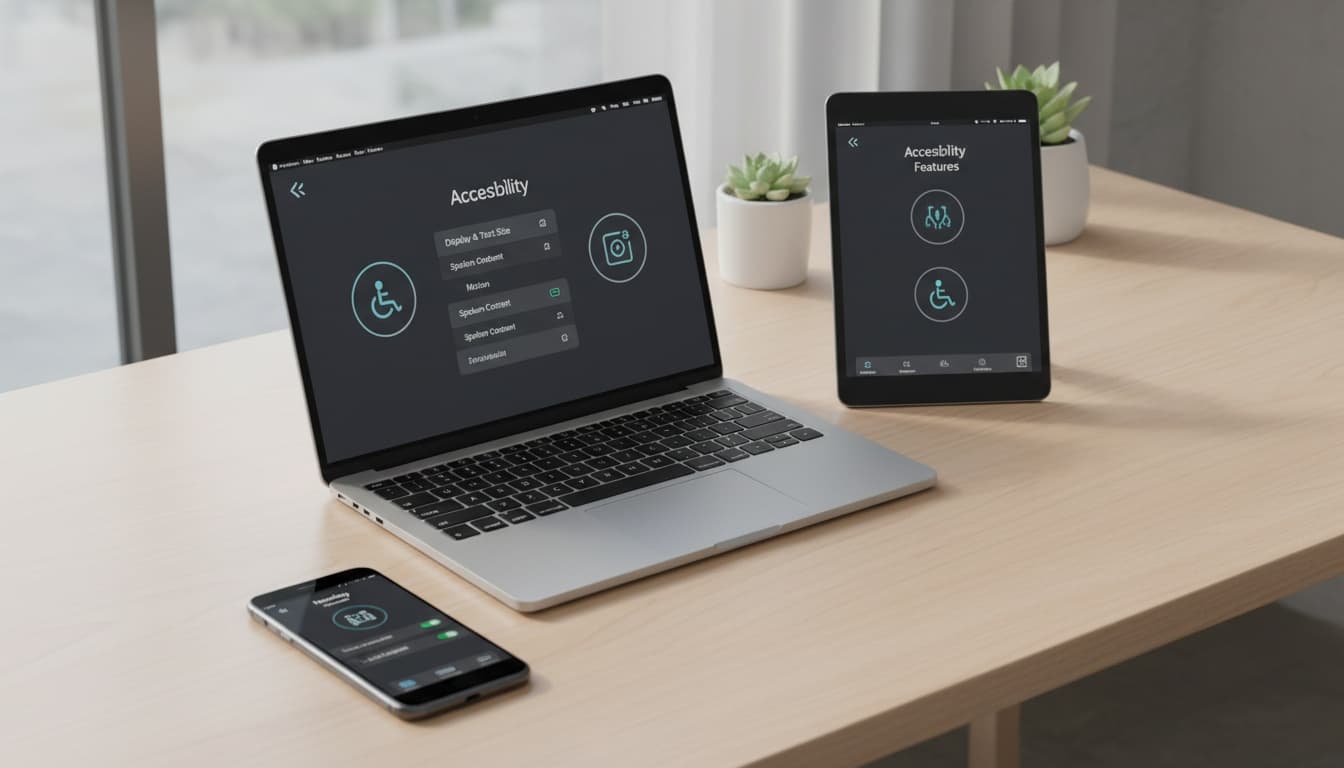
Your devices include native TTS capabilities that provide core functionality:
• macOS/iOS: Settings > Accessibility > Spoken Content • Windows: Settings > Ease of Access > Narrator • Chrome: Right-click on text or use address bar features for read-aloud functionality • Android:Settings > Accessibility > Select to Speak
Browser extensions work universally. ReadAloud can be installed and used for reading web content.
4. Open Source TTS: Complete Control, Zero Subscriptions, Full Privacy
The open source community has developed powerful TTS software that rivals commercial options. Festival provides phoneme-level control for advanced users. eSpeak offers lightweight offline TTS with 100+ language support.
Open source alternatives mean your text never leaves your device — ideal if you're reading confidential documents, research papers with sensitive data, or just want complete privacy without cloud uploads.
5. Free Alternatives Compared: Features and Real-World Use Cases
| Tool | Cost | Best For |
|---|---|---|
| ReadAloud | Free tier | Web reading, browser-based usage |
| Natural Reader | Free tier | Short articles, daily limits |
| TTSMaker | Free tier | Audio export, character limits |
| Voice Dream | One-time fee | iOS documents, offline reading |
| @Voice Aloud | Free tier | Android, offline capability |
Voice Quality and Feature Comparison
ReadAloud can get you started quickly for reading web content. Some TTS tools offer features for creating audio files for offline listening, though this varies by service.
Natural Reader partnered with ElevenLabs for human-sounding AI voices, but the daily limits may restrict heavy users. Still useful for short articles or email reading.
Voice customization depth separates premium from free options. However, Natural Reader's ElevenLabs partnership provides good naturalness on the free tier.
Offline capability varies significantly. App-based solutions offer better offline experiences with downloaded content, while browser extensions require connectivity.
Reading Workflow Integration
Upload PDFs to compatible readers, then use built-in TTS for research sessions. Highlight important sections while listening.
ReadAloud browser extension reads web content. Create reading lists by bookmarking articles with TTS audio ready.
Export Kindle highlights to text files, then use any free TTS tool. Voice Dream Reader imports documents directly.
Use browser-based TTS extensions or copy text to dedicated apps. Voice Dream Reader imports Google Drive documents directly.
6. Student Discount Alternatives and Academic Access
Students can explore free alternatives for their TTS needs. ReadAloud provides TTS functionality for web-based content without requiring student verification, though effectiveness may vary for complex academic documents.
Voice Dream Reader's one-time purchase (typically $15-20) means you own your TTS tool forever — no monthly bills, no subscription cancellations, no price increases. This can be cost-effective for students on tight budgets who need reliable TTS software throughout their academic career.
TTSMaker's character limits work for processing individual research papers or article sections. Split longer documents for batch conversion.
7. Combine Free Tools to Get Comprehensive TTS Features
Combine multiple free tools to access various TTS features. Use ReadAloud for web reading, Voice Dream for document TTS, and TTSMaker for audio export.
Browser bookmarklets can enable TTS functionality on websites. For example, create a bookmark with ReadAloud's JavaScript code for activation across devices.
Integration Hacks and Workarounds
Cross-Platform Sync: Use cloud storage to sync audio files between devices. Generate MP3s with TTSMaker, then access them anywhere.
Batch Processing: TTSMaker's character limits work for converting individual research papers or Medium articles into audio. To handle limitations, split longer documents for batch conversion.
Accessibility Compliance: Many free alternatives aim for WCAG standards for accessibility, though specific compliance may vary by tool.
Ready to test one of these free alternatives? Start with ReadAloud to explore browser-based TTS.
8. Frequently Asked Questions
Q: Are free alternatives as reliable as Speechify? ReadAloud and built-in OS features offer TTS functionality that can serve as alternatives to Speechify for basic needs. Browser-based tools require internet connectivity but work across platforms. App-based alternatives like Voice Dream provide offline functionality.
Q: Do free TTS tools compromise privacy? Privacy varies by tool. Some browser extensions may send text to remote servers for processing, while downloaded apps often process locally without cloud transmission. Check each tool's privacy policy for specific details.
Q: Can I export audio files from free alternatives? Some tools offer audio export. TTSMaker provides MP3 export for offline listening. Voice Dream Reader includes audio export in its one-time purchase. Export capabilities vary by tool.
Q: Which free alternative works best for students? ReadAloud for web research, Voice Dream for textbook reading (one-time purchase, EPUB support), Natural Reader for article review (with daily limits). These tools can serve student needs without ongoing subscriptions.
Q: Do free alternatives support multiple languages? Free alternatives often include multilingual support, though the number of languages and quality of voice packs varies significantly by service. Check each tool's language list for your specific needs.
Q: How do I migrate from Speechify to free alternatives? You can typically copy text from Speechify or export individual items. Import to your chosen alternative: ReadAloud (paste text), Voice Dream (import PDF/EPUB), TTSMaker (upload file). Most support common formats (PDF, TXT, EPUB) without conversion.
9. Beyond Basic TTS: When You Need Advanced Voice Features
If you need more than reading existing content — like creating custom audiobook narration, building branded voice content, or generating personalized voice messages — the free alternatives above may not be sufficient. That's where specialized voice tools enter the picture.
For advanced voice features, you'll typically need to explore dedicated voice generation services that offer more sophisticated capabilities than basic TTS alternatives.