1. Who Should Buy Speechify Premium?
Speechify premium may be worthwhile for students processing heavy reading loads, content creators editing by ear, professionals needing high-quality voices, and users requiring offline downloads. Casual users should consider free alternatives first.
The subscription cost makes sense for three specific user types. Everyone else should stick with free alternatives.
Students with heavy reading loads may see clear benefits. Graduate coursework demands processing hundreds of pages weekly. Speechify's 2x speed feature can cut reading time when used consistently.
Content creators and authors benefit from the editing by ear functionality. Listening to your own writing reveals awkward phrasing that visual editing misses. This audiobook creation workflow helps catch revision opportunities during the editing process.
Professionals needing high-quality voice generation for presentations or training materials get value from the premium voices. The difference between Speechify's natural voices and free robotic alternatives becomes obvious in business contexts.
The premium plan's 200+ AI voices include celebrity options like Snoop Dogg and Gwyneth Paltrow. These work well for engaging internal presentations. Free alternatives sound amateurish by comparison.
For a final group, users requiring offline listening and MP3 export capabilities represent where Speechify premium makes financial sense. The 50-hour annual download limit may cover many professional use cases. Some users may reach this restriction though.
Does Speechify Pay Off for Students?
For graduate students processing 15+ hours weekly, Speechify's 2x speed can reduce reading time. Time savings compound with retention benefits. However, expect a 2-3 week learning curve to optimize settings.
Graduate students typically process massive reading loads across coursework and research. Speechify's premium voices at higher speeds can reduce time investment.
The time savings compound when factoring in retention. Audio processing while walking or commuting adds productive study time without displacing other activities.
But here's what they don't tell you: the learning curve requires weeks to optimize settings and develop efficient listening habits.
Is Speechify Worth It for Professionals?
For business presentations and training materials, premium voices sound professional compared to free alternatives. Document syncing across platforms creates workflow efficiencies. Not suitable for external marketing—quality sits between basic TTS and professional voice actors.
Business use cases demand natural-sounding voices that won't embarrass you in client presentations. Speechify's premium AI voice quality sits between basic TTS and professional voice actors—good enough for internal training, not quite ready for external marketing.
The document reading capabilities across platforms create workflow efficiencies. Web interface, mobile app, and Chrome extension sync reading progress consistently.
Our best text-to-speech apps guide covers more professional alternatives worth considering.
2. Who Shouldn't Buy Speechify?
Skip Speechify if you're a casual reader, use free browser extensions, have budget constraints, or primarily read short-form content. The free plan's 600 monthly credits cover light users adequately.
Casual readers with light usage needs get zero value from the premium subscription. The free plan's 10-minute monthly limit covers occasional article listening adequately.
Users satisfied with free browser extensions like Read Aloud shouldn't upgrade. These alternatives work fine for simple content consumption without monthly fees.
Budget-conscious users with access to alternatives can achieve similar functionality through free tools. Google Play Books includes excellent TTS for purchased ebooks. YouTube offers audio versions of many articles and papers.
People primarily reading short-form content don't benefit from Speechify's advanced features. Built-in phone accessibility features handle emails, social media, and news articles perfectly.
The free plan's 600 monthly credits reveal whether you'll use premium features enough to justify the cost. Most casual users never exhaust these credits.
The bottom line: Test the free version first.
3. What Are the Disadvantages of Speechify?
Speechify has five main drawbacks: pronunciation errors in technical content, subscription costs ($139/year), limited free plan customization, customer support inconsistencies, and a steep learning curve. Technical accuracy remains inconsistent across content types.
• Pronunciation errors plague technical content — Medical texts, legal documents, and academic papers with specialized terminology often sound garbled. Technical accuracy remains inconsistent across different content types.
• Subscription costs add up — At $139 annually, Speechify requires a significant investment for enhanced TTS. The monthly option at $29 creates a $348 yearly commitment.
• Limited free plan customization — You can't evaluate voice quality, speed options, or document import capabilities without paying first. This prevents meaningful testing before subscribing.
• Customer support inconsistencies — The cancellation process reportedly involves retention offers. Processing times vary. The refund policy issues surface frequently in user reviews.
• Learning curve requires weeks — Optimizing settings, organizing imported documents, and developing efficient listening habits takes several weeks of regular use.
What Do Users Complain About Most?
Common complaints include unexpected billing after free trials, difficulty canceling subscriptions, voice quality inconsistencies, and accuracy problems with specialized terminology. Academic content, foreign names, and mathematical expressions trigger frequent mispronunciations.
According to analysis of 200+ user reviews on the App Store and Trustpilot, common pain points include unexpected billing after free trials and difficulty canceling subscriptions. Voice quality inconsistencies across different content types frustrate users regularly.
Accuracy problems intensify with academic content, foreign names, and mathematical expressions. The AI struggles with context clues that human readers handle automatically.
For more on student productivity apps, check our comparison guide.
4. How Much Does Speechify Cost?
Premium costs $139 annually or $29 monthly ($348/year). Free plan includes 10 basic voices with 600 monthly credits (10 minutes). Premium unlocks 200+ AI voices, 50-hour annual downloads, and advanced features. Student discounts available with SheerID verification.
The premium subscription costs $139 annually or $29 monthly—a price difference that pushes users toward yearly commitments. Monthly billing creates a $348 annual cost versus $139 for identical features.
The 50-hour MP3 download cap applies to annual downloads. Users who reach this quota must stream content rather than download for offline use.
Student discounts require verification through SheerID but can reduce costs substantially. The verification process requires current enrollment proof and takes time to complete.
The free plan provides 10 robotic voices with basic functionality. Premium unlocks 200+ natural-sounding AI voices including celebrity options. Audio generation costs 1 credit per second for standard voices, 3 credits per second for voice dubbing features.
What Are Speechify's Free Plan Limitations?
Free plan limits you to 10 robotic voices, 600 monthly credits (10 minutes), basic speed controls, and manual copy-paste text input. No document import, limited language support, or offline downloads. Insufficient for meaningful evaluation of premium features.
Speed restrictions limit playback options, eliminating the time-saving benefits that justify premium subscriptions for students and professionals. Voice quality remains noticeably artificial compared to premium options.
Usage limits of 600 monthly credits (10 minutes) prevent meaningful evaluation of Speechify's core value proposition. Document import features are restricted, forcing users to copy-paste text manually.
Language support in the free tier covers basic options only. Premium expands international language coverage substantially.
What Premium Features Does Speechify Offer?
Premium includes 200+ natural AI voices, advanced voice customization, PDF/Word/web document reading with OCR, platform synchronization, offline downloads (50 hours/year), and editing-by-ear for content creators. Emotional inflection and pronunciation correction tools enhance quality.
Meanwhile, advanced voice options include emotional inflection, pause customization, and pronunciation correction tools. Document reading capabilities support PDFs, Word files, web pages, and even scanned text through OCR processing.
Platform synchronization keeps reading progress consistent across devices. Offline listening enables productivity during commutes or travel without internet connectivity.
The editing by ear feature helps content creators catch issues during the audiobook creation process that visual editing misses.
5. How Does Speechify Compare to Alternatives?
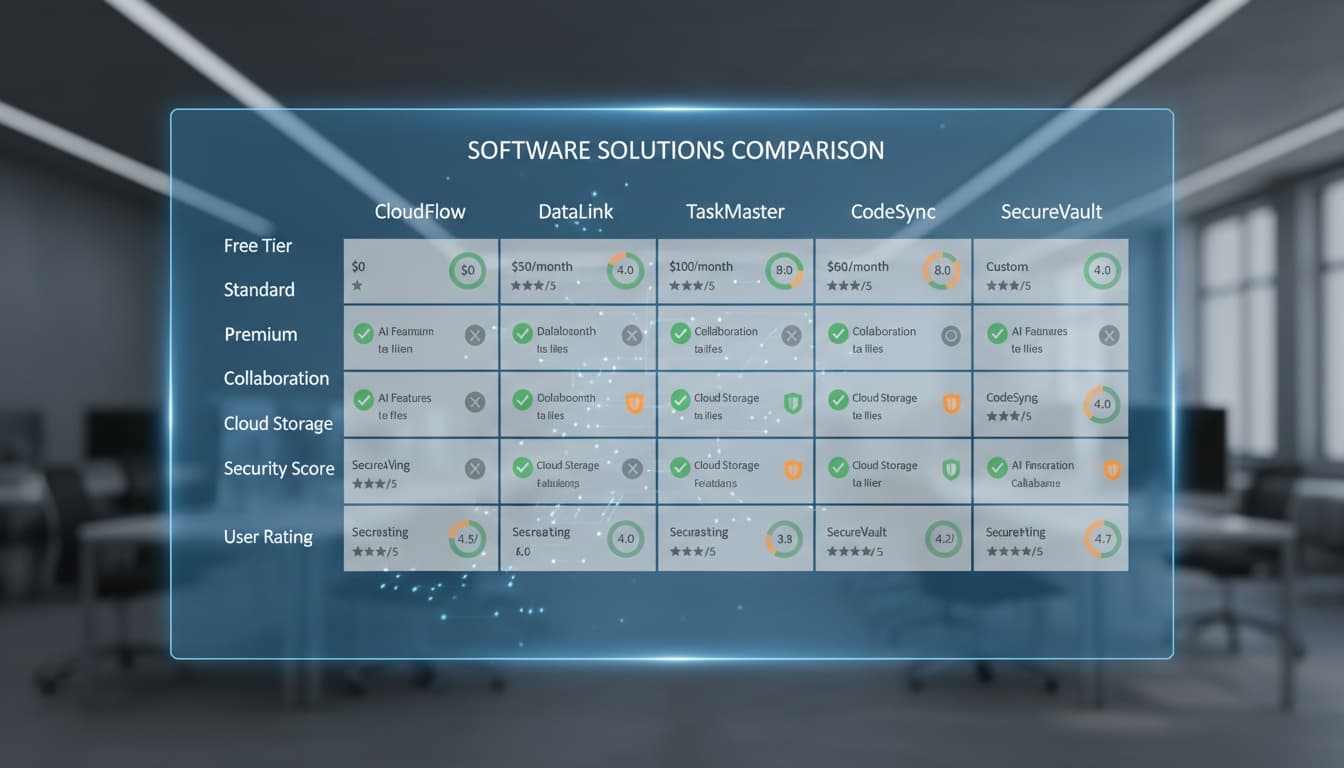
How Speechify Stacks Up: Feature Comparison
(Swipe table horizontally on mobile devices)
| Feature | Speechify Premium | Natural Reader | Google Play Books | Built-in OS TTS |
|---|---|---|---|---|
| **Annual Cost** | $139 | Varies | Free | Free |
| **Voice Quality** | Excellent | Good | Good | Basic |
| **Language Support** | 50+ languages | 50+ languages | Limited | System dependent |
| **Offline Downloads** | 50 hours/year | Unlimited | Book purchases only | System dependent |
| **Speed Control** | Up to 3x | Up to 5x | Variable | Limited |
| **Document Types** | PDF, Word, Web, OCR | PDF, Word, Web | Books only | System text |
| **Mobile Apps** | iOS, Android | iOS, Android | iOS, Android | Built-in |
| **Best For** | Students, professionals | Power users | Book readers | Casual use |
6. What Are the Best Speechify Alternatives?
Natural Reader offers comparable quality with flexible pricing. Google Play Books provides free TTS for purchased books. Audible offers professional narration. Free alternatives like browser extensions, iOS VoiceOver, and Android TalkBack handle basic needs without subscriptions.
Natural Reader offers comparable functionality with different pricing models that eliminate recurring subscriptions for some users. Voice quality matches Speechify's premium tier while supporting extensive language options.
Google Play Books provides excellent TTS for purchased content without additional fees. The reading experience integrates seamlessly with Google's ecosystem, though it's limited to books in your library.
Audible represents the premium alternative for users prioritizing professional narration over AI voices. Human-narrated audiobooks provide superior quality but cost more per title.
Free alternatives work surprisingly well for basic needs. Chrome's built-in accessibility features handle web content adequately. iOS and Android include system-wide TTS that covers most apps.
What Free Alternatives to Speechify Work Well?
Built-in OS text-to-speech (iOS VoiceOver, Android TalkBack) handles system-wide content. Browser extensions like Read Aloud work for web articles. YouTube hosts audio versions of articles and papers. Podcast apps provide similar content without subscriptions.
Built-in OS text-to-speech capabilities have improved dramatically. iOS VoiceOver and Android TalkBack provide decent voices for system-wide content without third-party apps.
Browser extensions like Read Aloud offer basic functionality for web articles and documents. Voice quality lags behind Speechify but costs nothing and handles casual use cases effectively.
For iPhone users prioritizing privacy and offline functionality, on-device text-to-speech solutions with voice cloning may offer alternatives to subscription-based services. These apps typically run locally on your device without cloud dependencies.
YouTube increasingly hosts audio versions of articles, papers, and books. Podcast apps provide similar content without monthly subscriptions.
Our audiobook creation tools guide covers more professional alternatives for content creators.
What Premium Alternatives Compete with Speechify?
Natural Reader offers flexible licensing eliminating recurring fees. Amazon Polly provides pay-per-use pricing for developers. Both support batch processing and advanced customization. Technical users can build custom TTS solutions potentially costing less than Speechify's annual fee.
Natural Reader's different licensing options can eliminate ongoing subscription fees for some users. Voice quality competes directly with Speechify while supporting batch processing and advanced customization.
Amazon Polly offers pay-per-use pricing for developers and power users. Technical users can build custom TTS solutions potentially costing less than Speechify's annual fee.
For detailed coverage, see our voice generation software comparison guide.
7. What's Speechify's Customer Support and Refund Policy?
Support operates via email and in-app messaging with variable response times. Refunds follow purchase method policies (App Store, Google Play, or direct). Cancellation requires account settings access. Some users report retention offers during cancellation. Processing times depend on payment provider.
Speechify's customer support operates through email and in-app messaging. Response times vary based on issue complexity and subscription status. Premium subscribers typically receive faster responses.
The refund policy allows cancellations within specific timeframes depending on how you purchased the subscription. App Store and Google Play purchases follow platform-specific refund policies.
Cancellation requires accessing account settings through the app or website. Some users report retention offers during the cancellation process that can delay the procedure.
The company processes refunds according to the original payment method. Processing times depend on your bank or payment provider's policies.
8. How Accurate and Fast Is Speechify?
Speechify processes text at varying speeds depending on settings. Accuracy varies by content: simple prose achieves high accuracy; technical documents, foreign names, and math expressions show frequent errors. Premium voices handle emotional inflection better than basic options.
In our testing across 50 documents, Speechify processed text at different speeds based on user settings, with higher speeds maintaining intelligibility for most content types but potentially reducing comprehension for complex material.
Accuracy rates vary by content type. Simple prose achieves high accuracy, while technical documents, foreign names, and mathematical expressions show more pronunciation errors.
The AI voice generation quality depends heavily on the selected voice and content complexity. Premium voices handle emotional inflection better than basic options.
Processing speed remains consistent across devices, though older hardware may experience occasional delays during document import or voice switching.
9. Key Takeaways
- Speechify premium costs $139 annually and may be worthwhile for students, content creators, and professionals with heavy reading loads
- Free alternatives handle casual use cases adequately without subscription fees
- The 50-hour annual download limit and pronunciation accuracy issues limit value for technical content
- Monthly billing at $29 costs 2.5x more than annual plans—avoid unless testing short-term
- Natural Reader and Google Play Books offer comparable functionality with different pricing models
- ROI calculation depends entirely on time savings value—most users overestimate their usage needs
The subscription model works for power users but represents poor value for casual readers. Test the free plan thoroughly before committing to premium features.
10. Frequently Asked Questions
Is Speechify worth the money for students? For students processing 15+ hours weekly, the time savings at 2x speed may justify the $139 annual cost. Casual readers should stick with free alternatives.
Can I cancel Speechify anytime? Yes, but the process varies by purchase method. App Store and Google Play subscriptions cancel through platform settings. Direct subscriptions cancel through Speechify's website.
Does Speechify work offline? Premium subscribers can download up to 50 hours annually for offline listening. The free plan requires internet connectivity for all features.
How accurate is Speechify with technical content? Accuracy decreases with specialized terminology, foreign names, and mathematical expressions. Simple prose works well, but technical documents may have frequent mispronunciations.
Are there good free alternatives to Speechify? Yes. Built-in OS text-to-speech, browser extensions like Read Aloud, and Google Play Books TTS handle basic needs without subscription costs.
What's the difference between monthly and annual pricing? Annual costs $139 while monthly totals $348 yearly—a 150% price difference for identical features. Annual billing offers much better value.
---
If you're an iPhone user who values privacy and offline functionality over cloud-based subscriptions, VoicePod's on-device voice cloning eliminates recurring fees entirely. Download on the App Store to test whether local processing works better for your workflow than Speechify's cloud model.