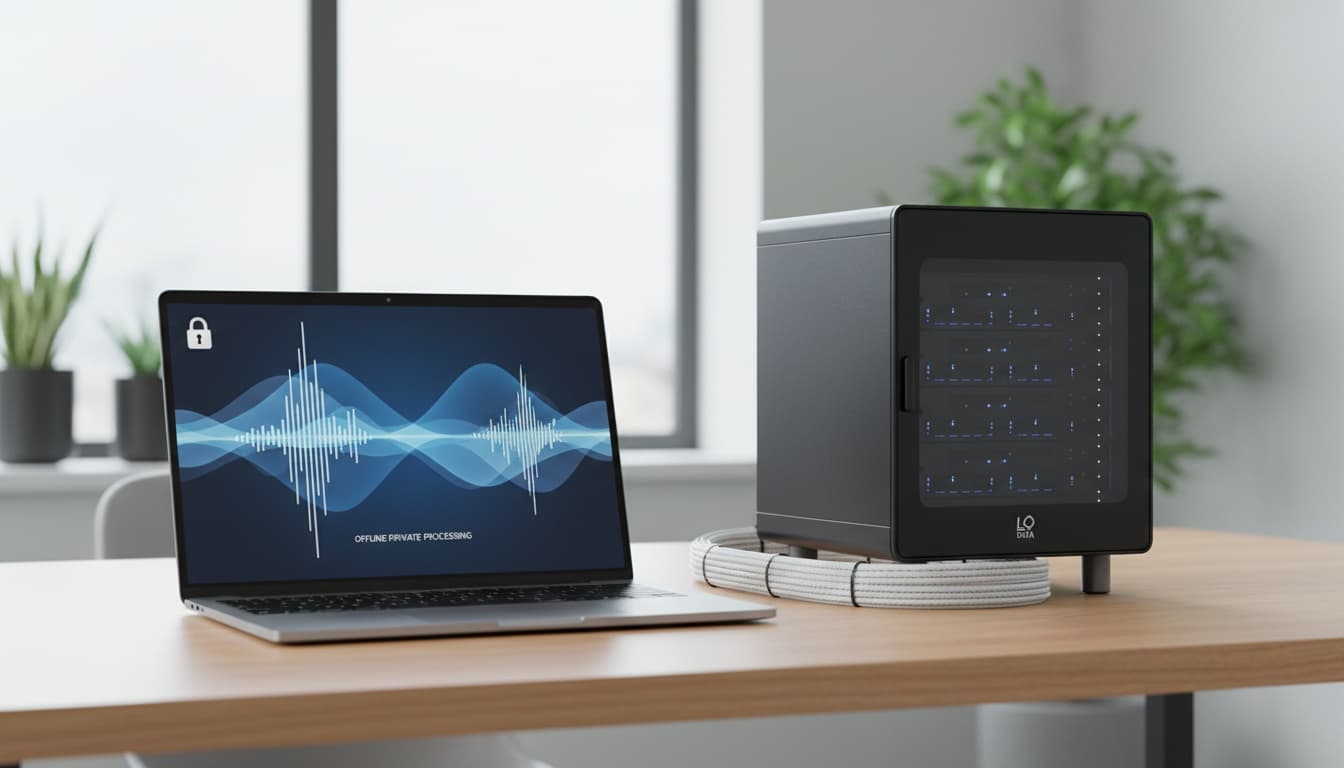
1. What Is a Local AI Voice Generator and Why Use One?
The privacy advantage is significant. That's why evolving privacy regulations—including the EU AI Act implementation and existing GDPR Article 32 requirements—have made local TTS increasingly important for businesses handling sensitive data. Recently, a client's confidential legal brief got flagged by their cloud TTS provider's content filter. The project died instantly.
We've all been there — ElevenLabs hits you with a usage limit right when you're on deadline. According to forum users who've hit their restrictions, ElevenLabs has substantial limitations that can impact productivity. Local deployment means your sensitive content stays yours.
Cost matters too. With ongoing concerns about cloud service reliability, more creators have been switching to local solutions. After six months of heavy usage, local tools often cost less than cloud subscriptions. You pay once for the software, then generate unlimited audio.
Real-time voice synthesis works better locally. No network latency means instant audio playback. Streamers using our voice cloning software comparison notice the difference immediately.
The customization runs deeper with open-source voice generation. You can train custom voice models on your exact use case. Cloud services offer preset voices — take it or leave it.
Cost Comparison: Local vs. Cloud TTS (Annual Usage: 1M Characters)
| Solution | Initial Cost | Monthly Cost | Annual Cost | Cost per 1M Characters |
|---|---|---|---|---|
| ElevenLabs (Pro) | Varies | Varies | Varies | Varies |
| Google Cloud TTS | Varies | Varies | Varies | Varies |
| Coqui XTTS (GPU) | Hardware varies | $0 | Hardware varies | Varies by hardware |
| Piper (CPU) | $0 | $0 | $0 | $0 |
Breakeven point: A GPU investment typically pays for itself within several months vs. ElevenLabs at high usage levels.
2. Top Local AI Voice Generator Tools Compared
Let's examine each tool in detail. The best local AI voice generator depends on your priorities: voice quality, hardware requirements, or setup simplicity.
| Tool | Voice Quality | Setup Difficulty | Price |
|---|---|---|---|
| Coqui XTTS | Excellent | Medium | Free |
| Piper | Good | Easy | Free |
| Other specialized tools | Varies | Varies | Free |
Key insight: Coqui XTTS offers the best quality but highest resource demands; Piper is the easiest to set up.
For users who want to skip hardware investment entirely, explore how modern mobile solutions approach this problem — or continue reading to dive deep into desktop setup and customization.
Coqui XTTS: Best for High-Quality Voice Cloning
According to Coqui TTS official documentation, Coqui works with minimal configuration for basic use cases. The voice cloning capabilities make it a standout choice for content creators needing natural-sounding voices.
Setup requires some technical knowledge. You'll need Python and a decent GPU (8GB VRAM recommended). But once running, it operates smoothly without constant adjustments.
The multilingual support covers numerous languages natively. Quality varies between languages, but all remain usable for content creation and accessibility applications.
Performance varies significantly based on hardware configuration. Modern GPUs typically generate audio much faster than CPU-only processing, with generation times depending on your specific hardware setup.
Piper: Best for CPU-Only Systems
Piper excels on modest hardware. This CPU-based TTS generates speech efficiently on older machines. Perfect for users without dedicated graphics cards.
The voice quality hits "good enough" for most applications. Not as natural as XTTS, but clear and intelligible. Ideal for accessibility applications or background narration where processing efficiency matters more than perfect naturalness.
Installation simplicity stands out. Download, extract, run. No Python environments or dependency management required.
Performance varies based on CPU capabilities and text length. Older hardware may experience slower generation speeds, but output quality remains consistent across different systems.
Other Specialized Tools for Real-Time Applications
Several specialized tools focus on real-time voice generation with streaming capabilities. These tools generate natural-sounding speech with voice cloning capabilities, making them ideal for live streaming or interactive applications.
Real-time performance makes them perfect for live streaming or interactive applications. The voice cloning quality matches professional standards for most use cases.
GPU acceleration is typically recommended for optimal real-time performance. VRAM requirements vary based on model size and quality settings.
Quality vs Performance Trade-offs
Better voices need more hardware. XTTS produces convincing speech but demands significant GPU resources. Piper sounds more robotic but runs anywhere.
We recommend starting with Piper for testing, then upgrading to XTTS when quality matters. The hardware requirements jump dramatically between tiers.
Some tools bridge this gap by offering voice cloning on CPU-only hardware, though generation speed suffers compared to GPU-accelerated alternatives.
3. Hardware Requirements and Performance Benchmarks
Here's how local AI voice generator performance scales directly with hardware investment. Consider these tiers:
Budget Setup (Under $500):
- CPU: Intel i5-8400 or AMD Ryzen 5 3600
- RAM: 16GB DDR4
- GPU: None required for Piper/CPU-based TTS
- Performance: Suitable for basic TTS needs
Mid-Range Setup ($800-1200):
- CPU: Intel i7-10700K or AMD Ryzen 7 5800X
- RAM: 32GB DDR4
- GPU: RTX 3060 (8GB VRAM)
- Performance: Handles XTTS with good speed
High-End Setup ($2000+):
- CPU: Intel i9-12900K or AMD Ryzen 9 5950X
- RAM: 64GB DDR4
- GPU: RTX 4080 (16GB VRAM) or better
- Performance: Multiple concurrent voices, real-time generation
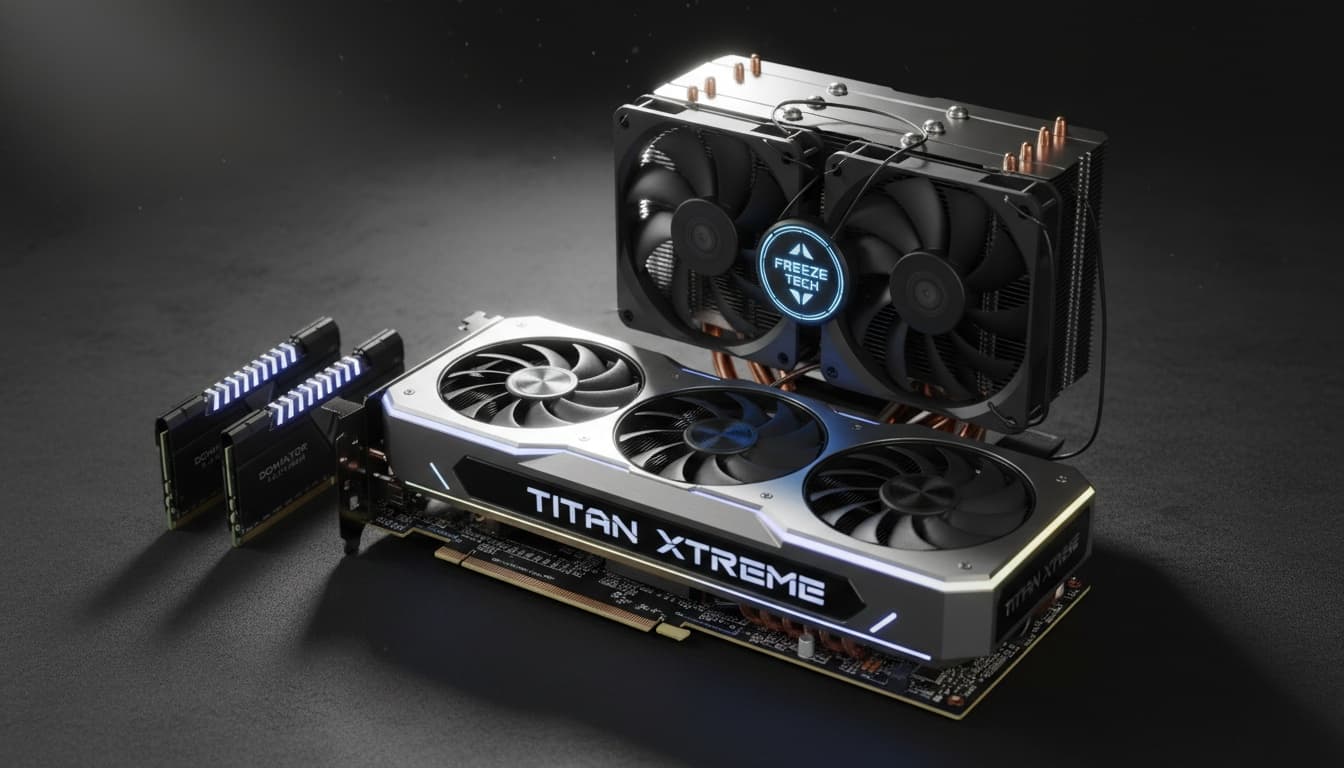
CPU vs GPU Acceleration Benefits
GPU acceleration transforms generation speed dramatically without changing quality. The sweet spot is around 8GB VRAM for high-quality applications.
But GPU memory limits voice model size. Larger models produce better speech but need more VRAM.
CPU-based TTS like Piper offers different advantages. No VRAM limits mean unlimited concurrent generations, perfect for batch processing large text volumes.
Memory requirements vary wildly between tools. Plan your RAM accordingly based on your chosen solution and expected usage patterns.
Industry Trends and Regulatory Changes
Privacy-first voice generation has become increasingly important as data protection regulations evolve. Businesses handling sensitive information often require local processing to maintain compliance.
API compatibility has improved across local TTS tools. Most now integrate with popular content creation platforms and accessibility software used in modern workflows.
The shift toward free voice generator solutions has accelerated as organizations seek cost control and privacy benefits.
4. Step-by-Step Setup Guide for Beginners
Getting your first local AI voice generator running takes careful preparation. Start with this pre-installation checklist for smooth deployment.
System Requirements Check:
- Verify Python 3.8+ installation
- Check available disk space (5-10GB minimum)
- Note your GPU model and VRAM amount
- Ensure microphone access for voice cloning features
Installing Coqui XTTS (Most Popular)
Download the latest Coqui TTS release from GitHub. Recent versions offer improved stability and better voice customization options.
pip install TTSTest the installation with a basic command: ```bash tts --text "Hello world" --model_name "tts_models/en/ljspeech/tacotron2-DDC" ```
This generates basic voice output without cloning. The audio file typically appears in your current directory for immediate testing.
For voice cloning functionality, record clear speech samples. Save as WAV format with appropriate sample rates. Then run:
tts --text "Your custom text here" \ --model_name "tts_models/multilingual/multi-dataset/xtts_v2" \ --speaker_wav path/to/your/voice.wavThe first run downloads required model weights. Subsequent generations use cached files for faster processing.
Setting Up Piper for Lightweight Use
Piper installation skips Python complexity entirely. Download the binary for your operating system from the official releases page.
Extract the archive and run: ```bash ./piper --model en_US-lessac-medium --text "Test message" ```
Voice models download automatically on first use. The medium-quality models balance output quality with processing speed effectively.
For batch processing, create a text file and pipe it: ```bash cat your_text.txt | ./piper --model en_US-lessac-medium \ --output_file speech.wav ```
5. Best Use Cases and Real-World Applications
Real-World Example: YouTube Creator Saves Significantly
A YouTube channel with 50,000 subscribers was spending $300/month on ElevenLabs for video narration. After switching to Coqui XTTS with a GPU investment, they eliminated the monthly subscription entirely. The initial hardware cost paid for itself quickly while maintaining voice quality and gaining complete privacy over their content.
This pattern is common for creators generating large volumes of content—the hardware investment often becomes the more economical option.
Here are the primary applications:
Content Creation: YouTube narration, no usage limits mean unlimited revisions. Channels can produce extensive content without subscription constraints.
Gaming: Real-time voice chat applications enhance roleplay experiences. The low latency makes interactive applications more responsive.
Accessibility: Vision-impaired users gain reliable document reading capabilities offline. No internet dependency means consistent access in any environment.
Business: Customer service teams deploy local voice models for training materials. Sensitive company information stays internal. Custom voice training creates consistent brand voices across departments.
Education: Language learning apps benefit from pronunciation examples. Students can practice without internet connectivity requirements.
Healthcare/Legal: Law firms generate audio summaries of confidential documents. Medical practices create patient education materials without HIPAA concerns.
Voice Customization and Natural-Sounding Voices
Advanced voice customization sets local generators apart from cloud alternatives. Users can fine-tune speech patterns, adjust speaking rates, and modify vocal characteristics.
Natural-sounding voices require careful model selection and proper hardware. The quality difference between CPU and GPU processing becomes apparent with longer audio generation tasks.
Training custom voices on specific use cases produces superior results. Legal terminology, medical vocabulary, or technical jargon benefits from specialized voice models.
6. Troubleshooting Common Issues and Limitations
Memory Errors and System Crashes
Memory errors affect new users frequently. For example, XTTS needs substantial system RAM plus GPU memory. Close other applications before generating long audio files to prevent crashes.
Poor Voice Cloning Quality
Audio quality degrades with poor reference samples for voice cloning. Record in quiet environments using decent microphones. Background noise corrupts the cloned voice characteristics significantly.
GPU Compatibility Issues
GPU compatibility issues affect older graphics cards. Some tools may require specific CUDA Toolkit versions, which may exclude older GPUs. Check your driver versions before installation.
Performance Optimization Strategies
Performance optimization requires model selection awareness. Larger models sound better but generate slower. Start with medium-sized models, then upgrade based on your quality needs and hardware capabilities.
Cloud vs. Local Trade-offs
When should you choose cloud over local? Occasional users benefit from pay-per-use pricing. But regular usage makes local deployment more cost-effective long-term.
Operating System Compatibility
Operating system compatibility varies between tools. Windows users enjoy the broadest support. Linux works well but requires more manual configuration. macOS support remains limited for GPU acceleration.
Integration with Popular Platforms
Modern content management systems now support local TTS integration through standardized APIs. WordPress plugins, Notion extensions, and Slack bots can connect directly to local voice generators.
Discord integration has become particularly popular for gaming communities. Real-time voice generation enhances roleplay servers and accessibility features for hearing-impaired users.
Video editing software increasingly supports local TTS workflows. Adobe Premiere Pro, DaVinci Resolve, and open-source alternatives can import generated audio directly from local tools.
7. Frequently Asked Questions
How much storage space do local AI voice generators require? Most tools need 2-10GB for model files. Storage requirements vary by tool and model size. Plan for additional space if training custom voices.
Can I use local voice generators commercially? Yes, most open-source TTS tools allow commercial use without licensing restrictions. Check specific licenses for each tool to confirm. Local generation eliminates per-usage fees common with cloud services.
Which tool works best for real-time applications?Specialized real-time tools excel for streaming applications, generating natural-sounding speech with voice cloning capabilities in real-time scenarios. They're ideal for live streaming, interactive applications, and gaming communities where low latency is critical.
Do I need programming knowledge to use these tools? Not necessarily. Piper offers simple binary installation without any coding knowledge required. Coqui XTTS requires basic command-line usage but no programming skills.
How does voice cloning quality compare to cloud services? Local voice cloning matches cloud quality with proper setup. The advantage is unlimited usage and complete privacy. Quality is determined by your hardware and reference audio samples.
What's the minimum hardware for decent voice generation? A modern CPU with 16GB RAM handles basic TTS well for simple applications. For voice cloning and high-quality output, budget for a GPU with 6-8GB VRAM minimum.
8. Key Takeaways
- Local AI voice generators offer complete privacy and unlimited generation without monthly fees or usage restrictions
- Coqui XTTS provides excellent voice cloning quality but requires substantial hardware resources for optimal performance
- Piper delivers reliable CPU-based TTS that runs on modest hardware with minimal setup complexity
- Hardware requirements scale dramatically: budget setups handle basic TTS, while high-end GPUs enable real-time voice cloning
- Real-world applications span content creation, accessibility, gaming, and privacy-sensitive business use cases
- Setup complexity varies from Piper's simple binary installation to more complex Python-based solutions
- Evolving privacy regulations and cloud service limitations have accelerated adoption of local TTS solutions
When to Choose a Mobile-First Approach
If you've read through the hardware requirements above and realized you don't want to invest in a GPU, or you need voice cloning on the go, mobile solutions offer a simpler path. Some mobile apps run voice-cloning and text-to-speech pipelines directly on smartphones—no cloud uploads, no subscriptions to start, no internet required.
For users who prioritize simplicity over customization, this eliminates the setup complexity discussed in this guide while maintaining complete privacy. Our GPU requirements for AI workloads guide helps you choose the right hardware for optimal performance if you prefer the desktop approach.