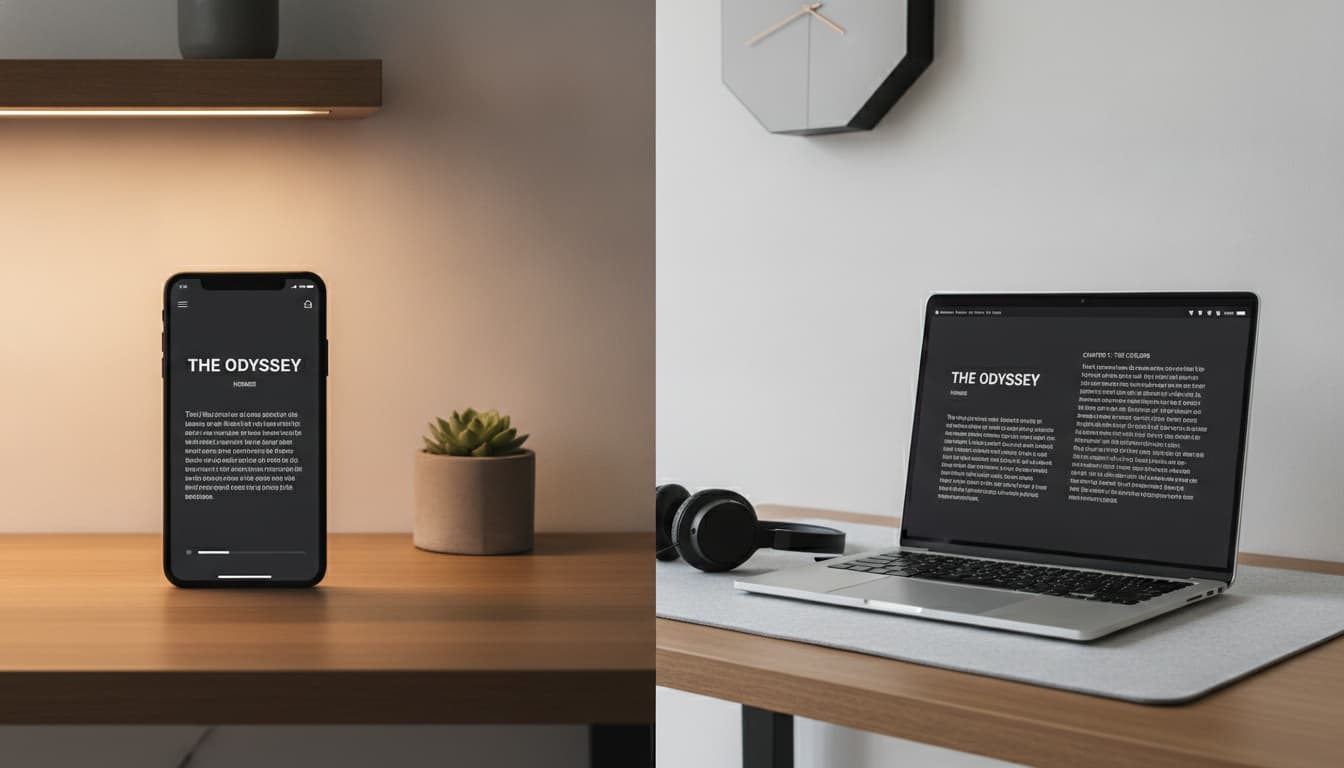
1. What You Get on Speechify's Free Tier (And Where the Paywalls Hit)
Speechify's free version includes basic AI voices, standard reading speed, PDF and web article imports, and cross-device sync across iOS, Android, and web. The free tier has no expiration date and requires no credit card.
The free tier is not a trial. Speechify's own onboarding sometimes uses "trial" language that creates confusion. If you see a Premium trial offer during signup, declining it doesn't start a countdown on your free access — the specific trial terms may vary, but the permanent free plan remains available. You land on the permanent free plan.
You create an account with an email address or Google/Apple SSO. No credit card. No expiration date.
Core free features:
- Basic AI voices (a subset of Speechify's full voice library — the exact number and regional availability are not publicly confirmed by Speechify; selection varies by platform)
- Standard reading speed (capped below Premium speeds; Speechify does not publicly confirm the specific limit, and faster speeds require upgrading)
- Document reading for PDFs, web URLs, and plain text
- Text highlighting synchronized to audio playback
- Cross-device sync across iOS, Android, Chrome extension, and web app
- Multi-language support (20+ languages, including English, Spanish, Portuguese, and Italian)
Is There a Totally Free Version of Speechify?
Yes. The base tier doesn't expire and requires no credit card. You get basic AI voices, standard reading speed, and document import across all platforms. Account creation is required — you won't use Speechify anonymously.
App Store reviews frequently mention upgrade prompts appearing mid-session on the free tier, which interrupts the reading flow in a way that feels more aggressive than competing free text-to-speech apps. Worth knowing before you commit to a workflow around it.
---
2. Get Started in 5 Minutes: Your First Document on Speechify Free
Step 1 — Sign up. Go to speechify.com or download the iOS or Android app. Email, Google, or Apple SSO all work. The app downloads in under a minute on mobile.
Note: On older or budget mobile devices, large PDF imports can lag — wait several seconds before assuming the import failed.
Step 2 — Import your first document.On mobile, tap the "+" button and choose a PDF from your files or paste a URL. On desktop, the Chrome extension lets you highlight any webpage and send it directly to your library.
The Chrome extension is free to install; feature gating within it is not consistently documented by Speechify and can change — verify current availability in the app before relying on specific features. Google Docs import works via share-as-URL rather than direct Drive integration on the free tier — functional, but this integration method is subject to change and not consistently documented.
Step 3 — Choose a voice. Free users access a limited voice set. You'll see the full voice library with lock icons on Premium options. Pick any unlocked voice, set your accent preference where available, and hit play.
Step 4 — Adjust playback speed. This is where free users hit the first real wall. Standard speed is available; anything above that triggers a premium upgrade prompt. The specific speed cap is not publicly confirmed by Speechify — in practice, the free tier speed is sufficient for casual listening but falls short of the faster speeds most productivity users require.
Step 5 — Sync across devices. Your library and reading position sync automatically. Imported files processed on one device may need a moment to appear on another — a manual refresh usually resolves it.
How Long Can You Use Speechify for Free?
Indefinitely. Speechify has not publicly documented a hard usage cutoff or throttling threshold for free tier users. Power users importing very large numbers of documents have anecdotally reported occasional slowdowns, but no hard limit has been confirmed in Speechify's official documentation.
---
3. Free vs. Premium: Feature Comparison
(Scroll right on mobile to see full comparison.)
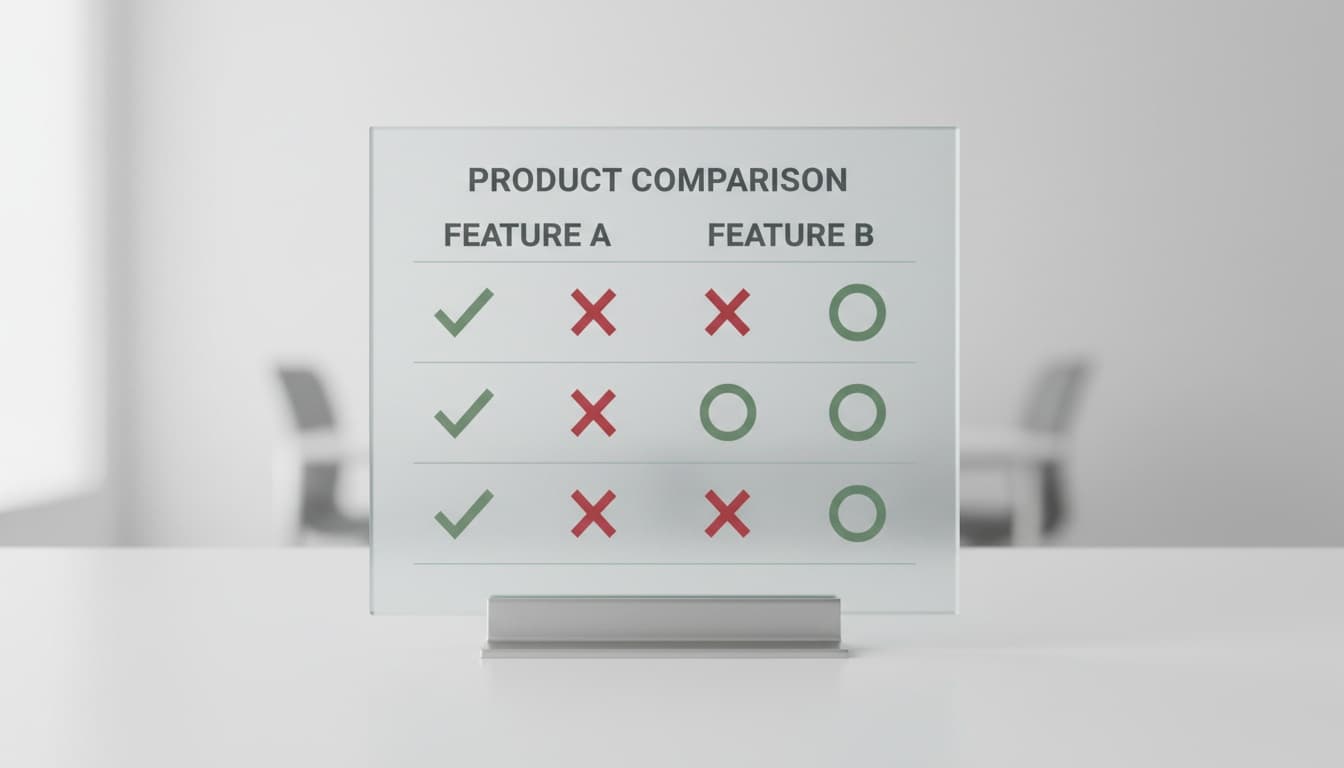
| Feature | Free | Premium |
|---|---|---|
| AI voices available | Limited set (varies by region) | Dozens of AI voices |
| Reading speed range | Standard (capped; slower than Premium) | Significantly faster speeds (check current Speechify documentation for specifics) |
| Offline reading | No | Yes |
| PDF import | Yes | Yes |
| Scanned PDF (OCR) | Limited | Full OCR |
| Google Drive / Dropbox import | Workaround required | Direct integration |
| Voice customization | Accent selection on some voices | Full customization |
| Customer support | Community / self-serve | Priority support |
For a side-by-side look at how Speechify's free tier stacks up against Natural Reader, Google Play Books, and other alternatives, see our free text to speech apps comparison.
Speed is the most immediate friction. Professionals who use TTS to process research or reports typically listen at 2x minimum. The free cap makes that impossible.
Offline reading is a privacy consideration, not just a convenience one. Free tier audio conversion happens server-side — your document content leaves your device. For legal briefs, medical records, or anything sensitive, that's worth knowing before you paste it in.
Voice quality on the free tier is functional. It's not embarrassing.
But sit down and do a 30-second A/B comparison between a free voice and a Premium AI voice. The gap is audible immediately. Whether that gap matters depends entirely on how long you're listening.
What File Types Does Speechify Free Support?
Free users can import PDFs, web URLs, plain text, and basic ePub files via the app or browser extension. Scanned PDFs receive limited OCR — complex documents often produce garbled output. Full OCR is a Premium feature.
When we imported a scanned research PDF on the free tier, some pages rendered correctly on the first pass; others came back as symbol soup or garbled characters. The plain-text export workaround (export the PDF as text, then re-import) resolved most of it. Results will vary depending on document complexity and scan quality.
PDFs exported from LaTeX with two-column academic formatting are among the worst offenders. In our testing, Speechify free read the columns sequentially left-to-right across both columns instead of column-by-column, turning a physics paper into word salad. The plain-text export workaround fixes this too.
Student Discounts and Educational Access
Speechify offers a student discount path, typically verified through an .edu email address or a third-party student discount platform — though verification methods and eligibility requirements can change. We haven't been able to confirm current discount amounts or eligibility requirements from Speechify's published materials. Check Speechify's student discount page directly for current details.
---
4. Does Speechify Free Actually Work for Your Use Case?
The answer depends almost entirely on how fast you read — or want to.
Students. Free tier works well for most student workflows — web articles, PDFs, and lecture notes import cleanly. The speed cap is the main friction for heavy reading lists. The student discount path is worth exploring before upgrading at full price.
People with dyslexia. Free voices are functional accessibility tools. Listening while reading simultaneously supports comprehension — a pattern documented in reading science research on simultaneous auditory-visual input. The free version delivers this benefit without requiring Premium. Speechify is not a medical treatment; it's a reading support tool, and the free tier is a legitimate entry point for that use case. For more on how TTS fits into reading support workflows, see our TTS reading support guide.
Busy professionals. The speed cap is a dealbreaker. Most professionals who've adopted TTS for productivity are running at 2x minimum. You'll hit that wall within the first week, probably the first day.
Casual / occasional users. Free is genuinely sufficient. Low volume, no urgency on speed, occasional article — the free tier handles this without friction.
Language learners. Here's the non-obvious take: the free tier may actually be better for listening comprehension practice than for native speakers, since slower, clearer reading at standard speed is more useful for that workflow than fast playback. But if you're using it specifically for pronunciation modeling — trying to hear how words sound — the voice quality gap is real enough that Premium is worth it. Robotic-sounding voices make poor pronunciation models.
---
5. How Speechify Free Compares to Free Alternatives
Four options worth knowing, covered in more depth in our free text to speech apps comparison:
Natural Reader free tier — more voices unlocked on the free plan than Speechify, weaker mobile experience. If you're primarily a desktop user processing documents, Natural Reader's free tier is competitive. The mobile app feels like an afterthought by comparison.
Google Play Books — solid free PDF-to-speech, no account lock-in beyond a Google account you already have. Zero friction to start. The TTS voice quality is noticeably below Speechify's basic voices.
iOS Speak Screen / Android TalkBack — zero cost, zero setup, lowest voice quality of any option here. These are OS-level accessibility tools, not dedicated voice reading apps. They work. Extended listening is unpleasant.
Balabolka (Windows only) — the option most listicles skip entirely. Everything processes locally. No data leaves your machine. For sensitive content, that's the whole decision. We've recommended it to a paralegal who was pasting client documents into cloud TTS tools without realizing the terms of service allowed training data use — Balabolka solved that problem immediately. The UI is dated, but for Windows users handling confidential documents, it's a defensible choice for anyone with strict data privacy requirements.
Speechify free is strongest on cross-device sync and UI polish. That matters for users moving between phone and laptop throughout the day. It's weakest on voice naturalness relative to what paid alternatives offer, and the server-side processing is a real trade-off for sensitive content.
---
6. 5 Signs You're Ready to Upgrade (And What Premium Actually Unlocks)
Four signals are obvious. The fifth one is the one most people miss.
- Speed ceiling. You're hitting the cap daily and feeling slowed down — this is the most common trigger.
- Scanned PDF failures. You're importing scanned documents and getting garbled output that the plain-text workaround doesn't fully fix.
- Offline access. You need to listen on a commute, flight, or anywhere with unreliable connectivity.
- Sensitive documents. You're processing legal, medical, or financial content and server-side audio conversion is a real concern.
- Professional voiceover or content creation. The free voice set isn't built for that use case — the quality gap is audible in a professional context.
When those signals appear, the upgrade decision is straightforward. Annual pricing is significantly cheaper per month than monthly billing. Check current Speechify pricing directly — Speechify adjusts pricing periodically, and any figure here would be stale within months.
One common free-tier issue worth flagging: sync lag between devices. Usually resolves with a manual refresh. It's a general bug, not a free-tier-specific one.
---
7. Key Takeaways
- Speechify's free version is permanently free — no expiration, no credit card required
- Core free features: basic AI voices, standard reading speed, PDF/web/ePub import, cross-device sync
- The three biggest practical gaps vs. Premium: speed ceiling, offline access, and voice naturalness
- Free tier content is processed server-side — a real consideration for sensitive documents
- Best free-tier fit: students, casual users, and people using TTS as a reading support tool at standard speed
- Worst free-tier fit: busy professionals who need 2x+ speed and offline access
- Natural Reader and Google Play Books are credible free alternatives worth considering, depending on your platform preference
---
8. Frequently Asked Questions
Is Speechify's free version really free forever?Yes. The base tier doesn't expire and requires no credit card. Some onboarding screens reference a "free trial" for Premium features — that's separate from the permanent free plan. Declining the Premium trial offer during signup lands you on the permanent free tier.
What's the reading speed limit on Speechify free? Speechify does not publicly confirm the specific speed cap for the free tier. In practice, the free tier speed is sufficient for casual listening but falls short of the faster speeds most productivity users require. Premium unlocks significantly faster speeds; check Speechify's current documentation for specifics, as reported figures can change.
Does Speechify free work offline? No. Free tier audio conversion happens on Speechify's servers, which means you need an internet connection. Offline reading is a Premium feature. More on the on-device vs. cloud TTS trade-off in our on-device TTS explainer.
Can I use Speechify free for scanned PDFs? Limited OCR is available on the free tier, but complex or older scanned documents often produce garbled output. In our testing, a meaningful portion of pages in a dense scanned research PDF required the plain-text export workaround — results vary by document complexity and scan quality. Full OCR for scanned PDFs is a Premium feature.
Is Speechify free good for dyslexia? The free tier is a functional reading support tool. Listening while reading simultaneously supports comprehension — a pattern documented in reading science research on simultaneous auditory-visual input. The free version delivers this benefit without requiring Premium. Speechify is an accessibility tool, not a medical treatment. See our TTS reading support guide for more on how these tools fit into accessibility workflows.
How does Speechify free compare to just using iOS Speak Screen? Speechify free offers a significantly better UI, cross-device library sync, and more natural voices than iOS Speak Screen. The trade-off: Speechify requires an account and processes content server-side. Speak Screen is fully on-device and requires no account — for users with strict privacy requirements, that gap matters. More on the on-device vs. cloud TTS trade-off in our on-device TTS explainer.
How do I get Speechify's student discount? Speechify offers a student discount path, typically verified through an .edu email address or a third-party student discount platform — though eligibility requirements and verification methods can change. Exact discount amounts aren't confirmed in Speechify's current published materials — check Speechify's student discount page directly or contact their support for current details.
---
9. How VoicePod Fits
If the server-side processing concern — not the speed cap, not the voice quality — is the specific reason you're hesitating on Speechify free, there's a different category of tool worth knowing about. VoicePod runs the full TTS pipeline locally on iPhone using the LuxTTS engine, generating speech in roughly 1.5 seconds. Your documents never leave your device. See how on-device TTS works first, or try VoicePod on the App Store — no account required, no cloud uploads, no internet needed for playback.